DEXiWare features

Improve a complex process in four clear steps

Gather data, understand the results, review the effects of changes, and explore possible solutions.

Improve your value-chain

Step by step

gather data

of your process or value-chain

evaluate the results

of the statistical analysis
with clear infographics

review effects
of changes

with interactive bottom-up analysis

check all the possible
solutions

with interactive top-down analysis


01 · Gather

Quickly gather data

Use clear, well-structured questions to describe the process.
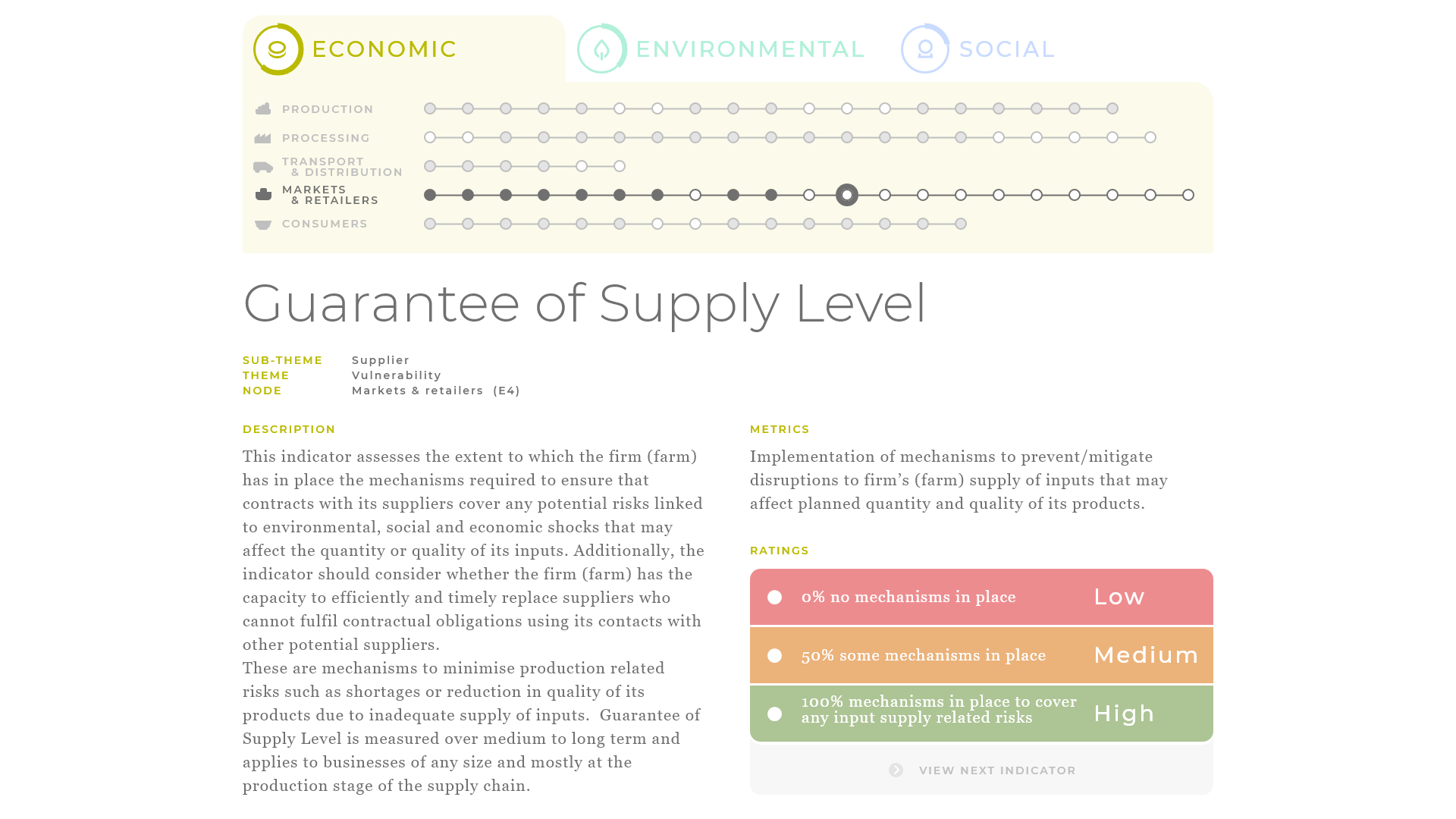
  • Clear visual hierarchyStrong contrasts guide attention to the most important information.
  • Readable descriptionsComfortable line widths and spacing support longer explanations.
  • A visible decision mapThe active step and completed steps give users a sense of location.
  • Straightforward rankingsBright colours and clear descriptions make each evaluation easier to understand.
Structured data-gathering interface

02 · Evaluate

Visually evaluate the results

Colourful infographics turn complex results into an accessible overview.
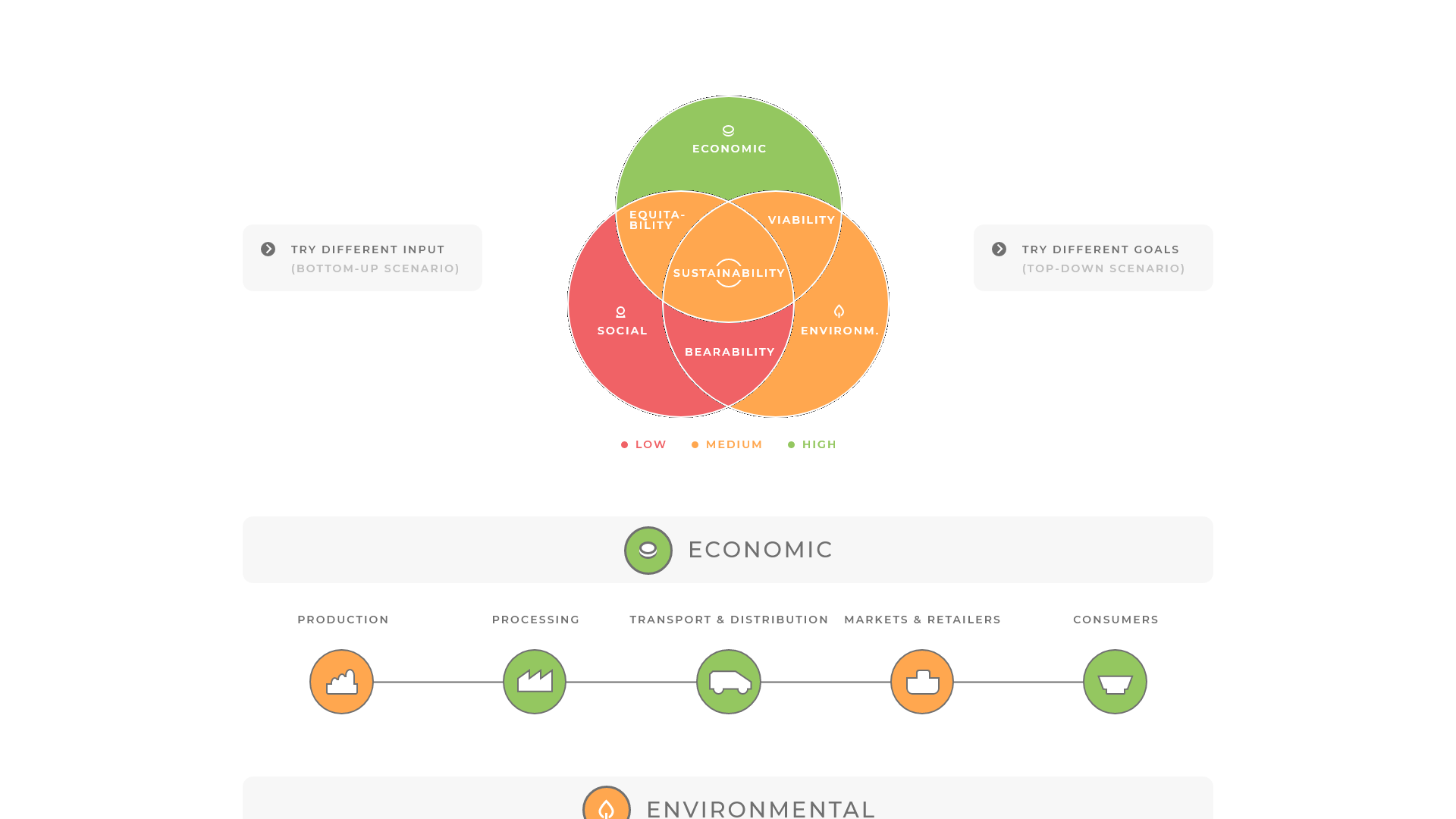
  • Visual representationCharts give a quick view of the current situation.
  • Detailed analysisColour-coded indicators help inspect individual aspects.
  • Clear explanationsSupporting descriptions make charts easier to interpret.
  • Guided scenario testingSuggested directions help users continue their analysis.
Visual evaluation interface with colourful charts

03 · Review

Review the effects of changes

Use interactive bottom-up analysis to assess changes before making them.
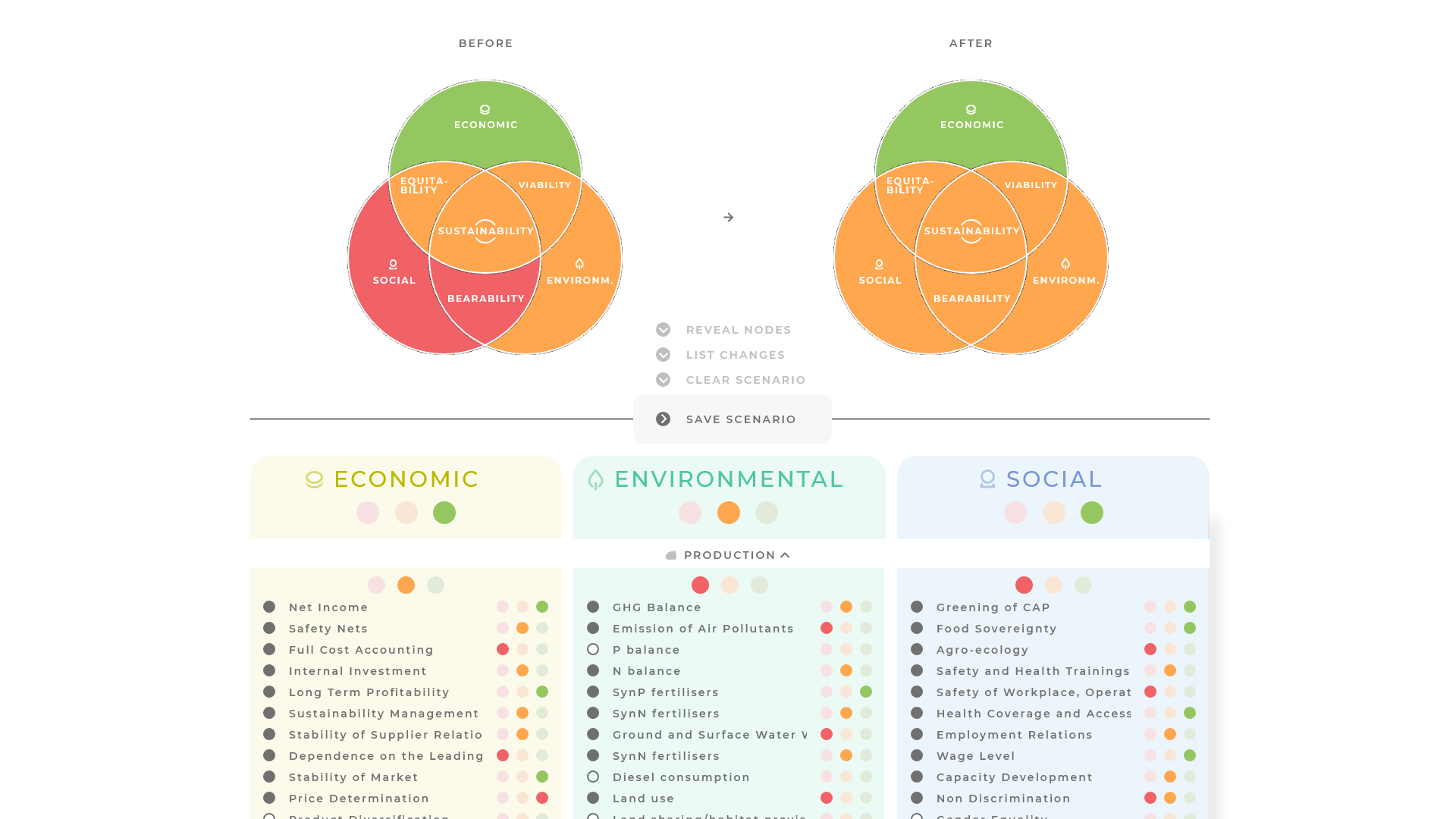
  • Before-and-after insightCompare states to see which modifications are worth pursuing.
  • Described effectsA list of resulting changes supports a more accurate understanding.
  • Fine-grained modificationsThe indicator hierarchy helps refine each investigated scenario.
  • Saved scenariosKeep preferred bottom-up scenarios for later comparison.
Bottom-up scenario comparison interface

04 · Discover

View possible solutions

Generate and inspect top-down scenarios through interactive analysis.
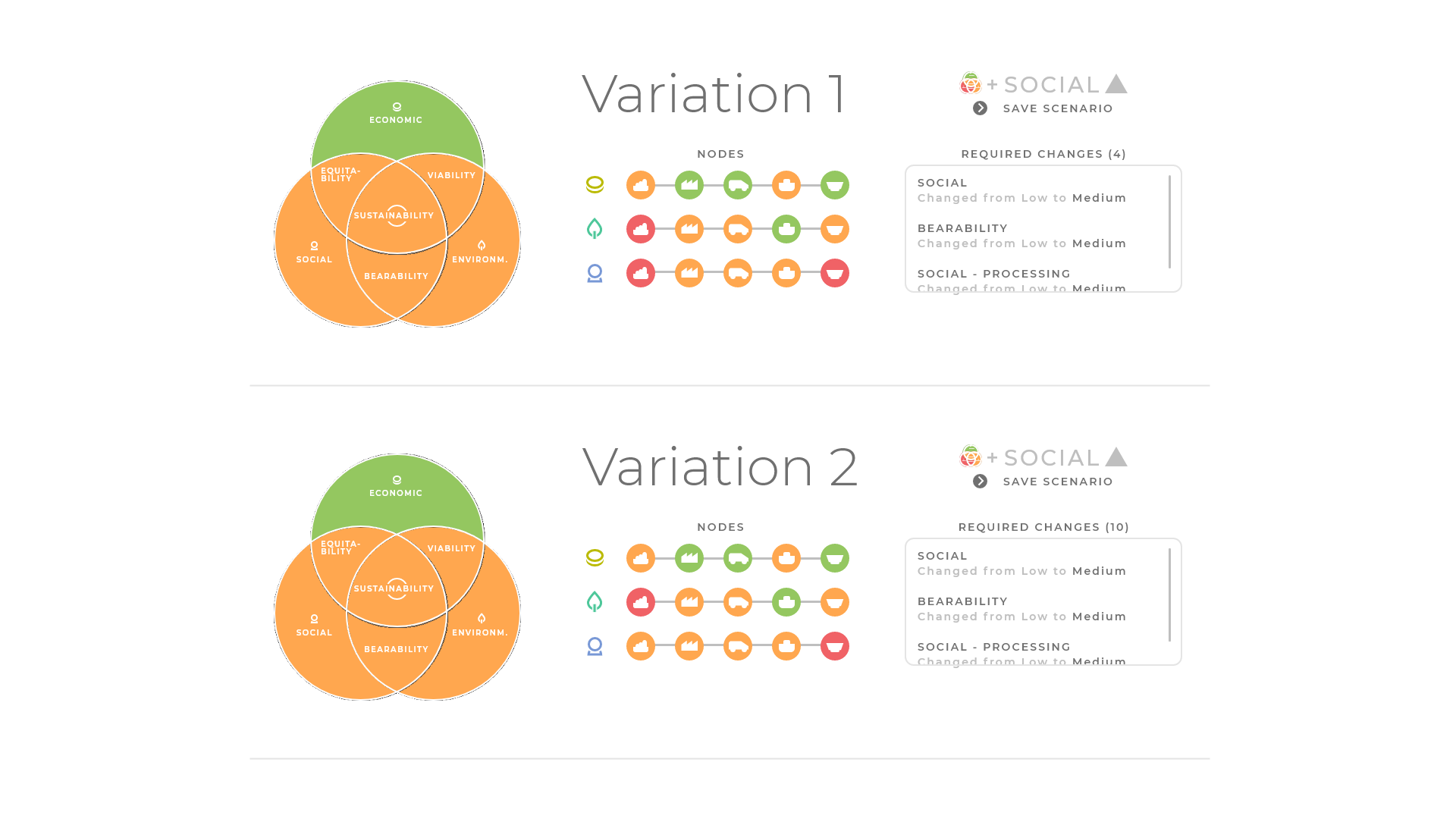
  • Interactive generationGuided controls make it easier to test different target results.
  • Automatic variationsReview a structured list of the available options.
  • Detailed viewsInspect individual aspects of each generated variant.
  • Saved solutionsKeep preferred scenarios for later comparison.
Top-down solution-generation interface

Ready to start?

Get a personalized decision support system

Contact DEXiWare